
Fuel Station Finder – Find Nearby Petrol, Diesel, CNG & EV Charging
Locate the nearest fuel stations and EV charging points near you — with verified listings, live open/closed status, and instant directions.
Fuel stations near you
Use Your Current Location
Allow your location to instantly find the nearest fuel stations and calculate the exact distance from you.
Fuel Station Finder: Find the Nearest Petrol, Diesel, CNG & EV Charging Stations
The fuel light rarely comes on at a convenient time. It might be a near-empty tank on an unfamiliar highway, an EV that needs a charge before a long drive, or a CNG-fitted car circling a new city looking for a pump that actually has gas today. In moments like this, most people just want one thing: a fast, reliable answer to “where’s the closest station, and does it have what I need?”
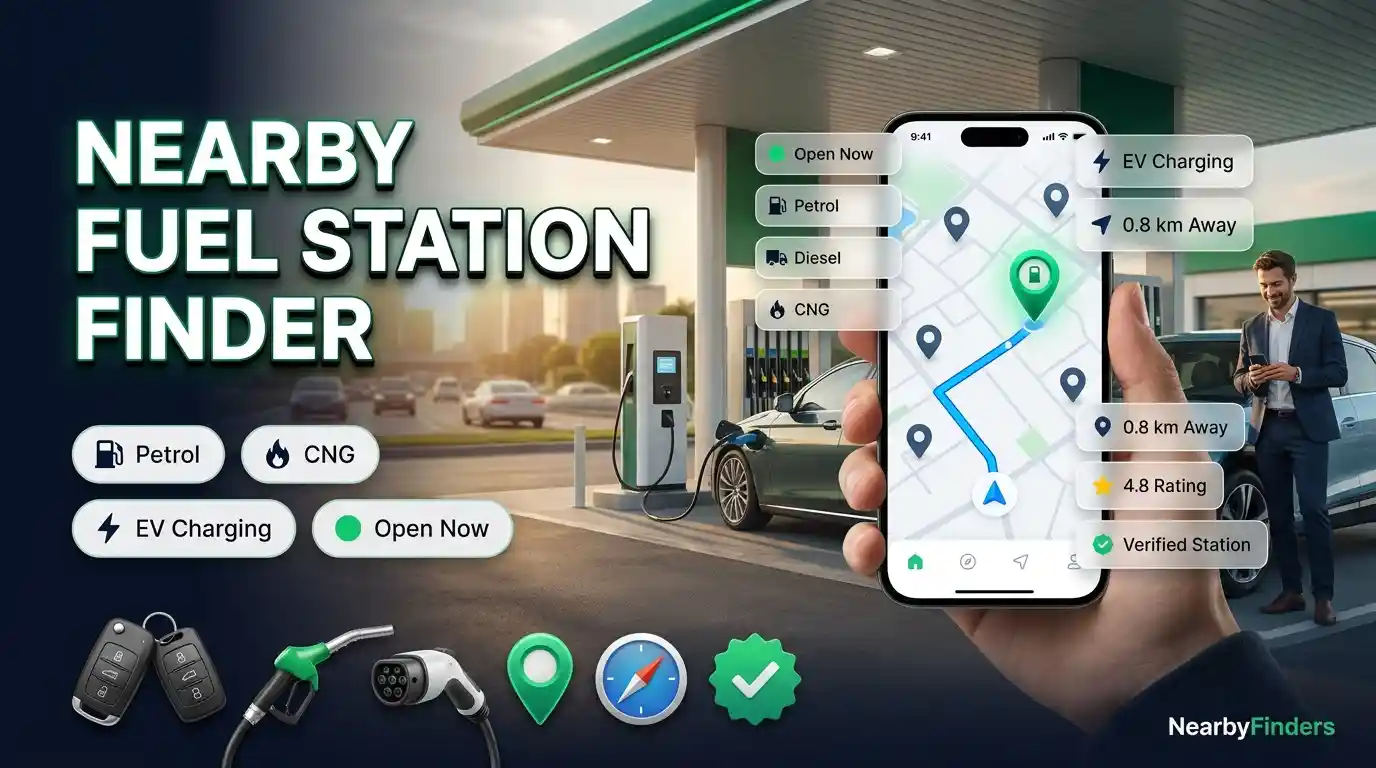
As cities keep growing and fuel types keep diversifying — petrol, diesel, CNG, and now EV charging all on the same road network — keeping track of which station carries what, and whether it’s even open, has become genuinely difficult. That’s the gap the Fuel Station Finder tool above is built to close: a simple, map-based way to see every station around you, sorted by distance, with live status and contact details in one place.
This guide covers what the tool does, how it pulls its data, what each feature is for, and how to get the most out of it — whether you’re filling up on petrol, hunting for CNG, or looking for a nearby EV charging point.
What the Tool Actually Does
The Fuel Station Finder shows every petrol pump, diesel station, CNG station, and EV charging point near your current location, or any city you search, within seconds. Instead of sifting through cluttered search results, you get one clean view: names, addresses, distances, phone numbers, websites, and opening hours.
It’s a fully interactive map-based system that:
- Detects your live location automatically
- Shows every station within a 20 km radius
- Displays distance, rating, category, and contact details on each listing
- Lets you filter by petrol, diesel, CNG, EV charging, and 24-hour availability
- Plots live map pins you can tap for instant directions
- Always sorts results nearest-first, so you’re never sent further than you need to go
Why It Matters When the Tank Runs Low
Running low on fuel in an unfamiliar area, needing a CNG refill when most pumps nearby only stock petrol, or trying to plan an EV road trip around charging points — these are all situations where guessing wastes time and, in the worst case, leaves you stranded.
This tool exists to close that gap, whether you’re new to a city, driving cross-country, or simply somewhere unfamiliar in your own town. A few situations where it becomes genuinely useful:
- Driving through a city you don’t know, with the fuel gauge dropping
- Late at night, when only a true 24-hour station is open
- Running a CNG-fitted vehicle and needing a station that actually stocks it
- Planning an EV trip and needing to map charging points along the route
- Comparing nearby options before committing to a detour
How the Data Works
The tool blends two data sources to stay both accurate and comprehensive.
A Verified Local Database
Listings pulled from a manually checked database — address, phone number, hours, and website confirmed by hand. These carry a Verified badge.
Live OpenStreetMap Data
Running alongside that, the tool pulls live data from OpenStreetMap to fill in stations that haven’t been manually verified yet — especially useful in smaller towns or newer areas, and for spotting newly added EV charging points.
Merging, Sorting & Live Status
Duplicate entries between the two sources are automatically removed, keeping only the verified version. Every result is then sorted by real distance from your location, and shown with a live open/closed status — including an “Open 24/7” badge for round-the-clock stations.
Key Filters
- Petrol — stations that stock petrol/gasoline
- Diesel — stations that stock diesel
- CNG — compressed natural gas stations
- EV Charging — dedicated electric vehicle charging points
- 24 Hours — round-the-clock stations
Petrol, Diesel, CNG, or EV — Which Station Do You Need?
Not every station carries every fuel type, and knowing what to filter for saves a wasted stop.
A petrol or diesel station is the standard stop for most vehicles — use the Petrol or Diesel filter to confirm a station actually stocks what your vehicle takes before you drive there, since not every pump carries both.
A CNG station is worth filtering for specifically if you run a gas-fitted vehicle, since CNG availability is far less consistent across a city than petrol or diesel — some pumps carry it, many don’t.
An EV charging point is a different category altogether — no fuel pump, just a charging connection. The EV Charging filter surfaces dedicated charging stations so you’re not wasting time at a fuel-only pump.
A 24-hour station matters most outside normal daytime hours, since far fewer stations stay open at night. Anything open around the clock gets a clear badge on its listing, and stations that close later than usual show their exact hours (like “Closes in 3 hrs”) so you can plan the trip with confidence.
Planning an EV Route
Electric vehicle trips need a different kind of planning than a petrol fill-up — you can’t just wait until the light comes on. Before a longer drive, it’s worth checking the EV Charging filter along your route in advance, confirming a station is actually a charging point and not just fuel-only, and keeping a backup option in mind in case your first choice is occupied or offline. The map view makes it easy to see charging points spread out along a corridor rather than clustered in one area.
Who Gets the Most Out of This Tool
- Daily commuters, who want the nearest reliable stop without a detour.
- Long-distance and cross-country drivers, who need to plan fuel stops in unfamiliar areas.
- CNG vehicle owners, who need to know exactly which nearby stations actually stock CNG.
- EV drivers, who need to map charging points before a longer trip.
- Late-night drivers, who need a station that’s genuinely open around the clock.
How to Use It — Step by Step
- Allow location access when prompted, so the tool can detect your exact position.
- Prefer not to share it? Skip that step and type any city or area name into the search box instead.
- Nearby stations appear as both map pins and cards, sorted from closest to farthest.
- Use the filters at the top to narrow results to exactly what you need.
- Tap “View on Map” on any card to see its exact location.
- Call directly, or use the website and social links for more information.
- Tap “Get Directions” once you’ve picked a station for an instant route.
What to Check Before Choosing a Station
- Distance isn’t everything — the closest option isn’t always the right one if it doesn’t stock your fuel type.
- Confirm CNG or EV availability before driving there, since not every station carries every fuel type.
- Double-check operating hours at night, unless the station is marked 24/7.
- Keep a backup option in mind, especially for CNG or EV charging where availability is less consistent.
- Favor verified listings to reduce the risk of an outdated address or disconnected number.
Frequently Asked Questions
How does the Fuel Station Finder detect my location?
Once you allow location access, the tool uses your device’s GPS or network location to show stations around your exact position.
What if I don’t want to share my location?
Skip that step and search for any city or area by name instead.
Does it work outside my own city or country?
Yes, it works for any city worldwide — just search the area name.
What does the Verified badge mean?
That listing’s address, phone number, and hours have been manually checked for accuracy.
Can I filter for only CNG, EV charging, or 24-hour stations?
Yes — use the Petrol, Diesel, CNG, EV Charging, or 24 Hours filter at the top of the results.
Does it show whether a station is currently open?
Yes, where hours data is available, each listing shows a live open or closed status.
What if a station I know isn’t showing up?
It may not be in the database yet, or may fall outside your current 20 km radius — try searching for it by name.
Does it show EV charging points too?
Yes — the tool covers petrol, diesel, and CNG stations as well as dedicated EV charging points.
Do I need a separate app for directions?
No — tapping “Get Directions” on any listing shows the route immediately.
Is there any cost to use this?
No, the Fuel Station Finder is completely free.
How often is the data updated?
Live data refreshes in near real time; verified listings are reviewed and updated manually on a regular basis.
Related Tools You Might Find Useful
Finding a fuel station is often just one part of a longer drive. These tools cover the rest:
Final Thoughts
A near-empty tank rarely gives advance notice, and having accurate, nearby information ready when it matters most makes a real difference. Whether you need an open petrol pump right now, a CNG station that actually stocks gas, a 24-hour stop on a late drive, or an EV charging point along your route, the Fuel Station Finder brings distance, category, hours, and verified contact details together in one place — free, and ready whenever you need it.